
How to Order Online in Pakistan on Cheapest.pk: Step-by-Step Shopping Guide
November 2, 2026
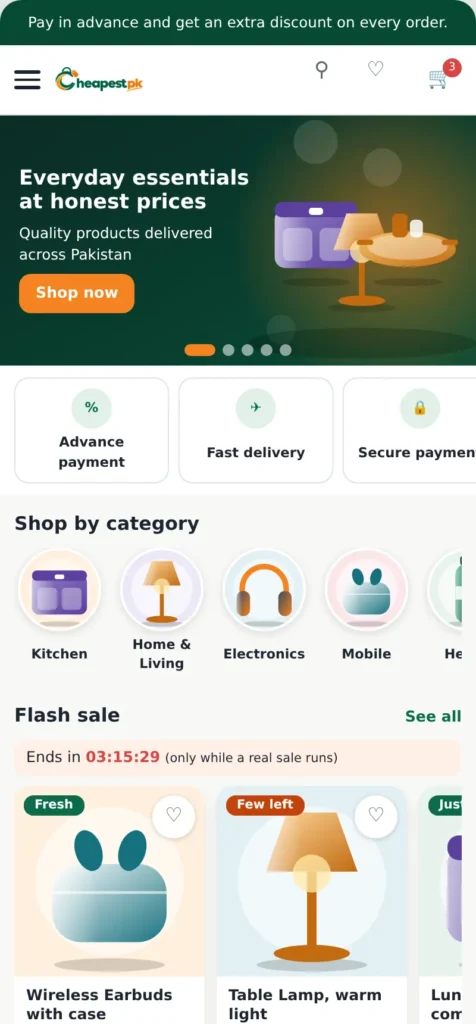
In short: to order online on Cheapest.pk, find a product, choose the options, add it to the cart, check the cart, enter your delivery address, pay, and then follow your order in My account. This guide shows each step with pictures.
If you want to order online in Pakistan but are not sure where to start, this guide takes you from the first search to your delivered parcel, with a picture for each step.
Before you order online in Pakistan
It helps to create an account first. With an account you can see your orders, track a parcel, save products to a wishlist, download invoices and write to our team. Keep your mobile number and your complete address ready. Cheapest.pk delivers to addresses in Pakistan, and the checkout lets you choose your province and city from a list.
Step 1: Find the product
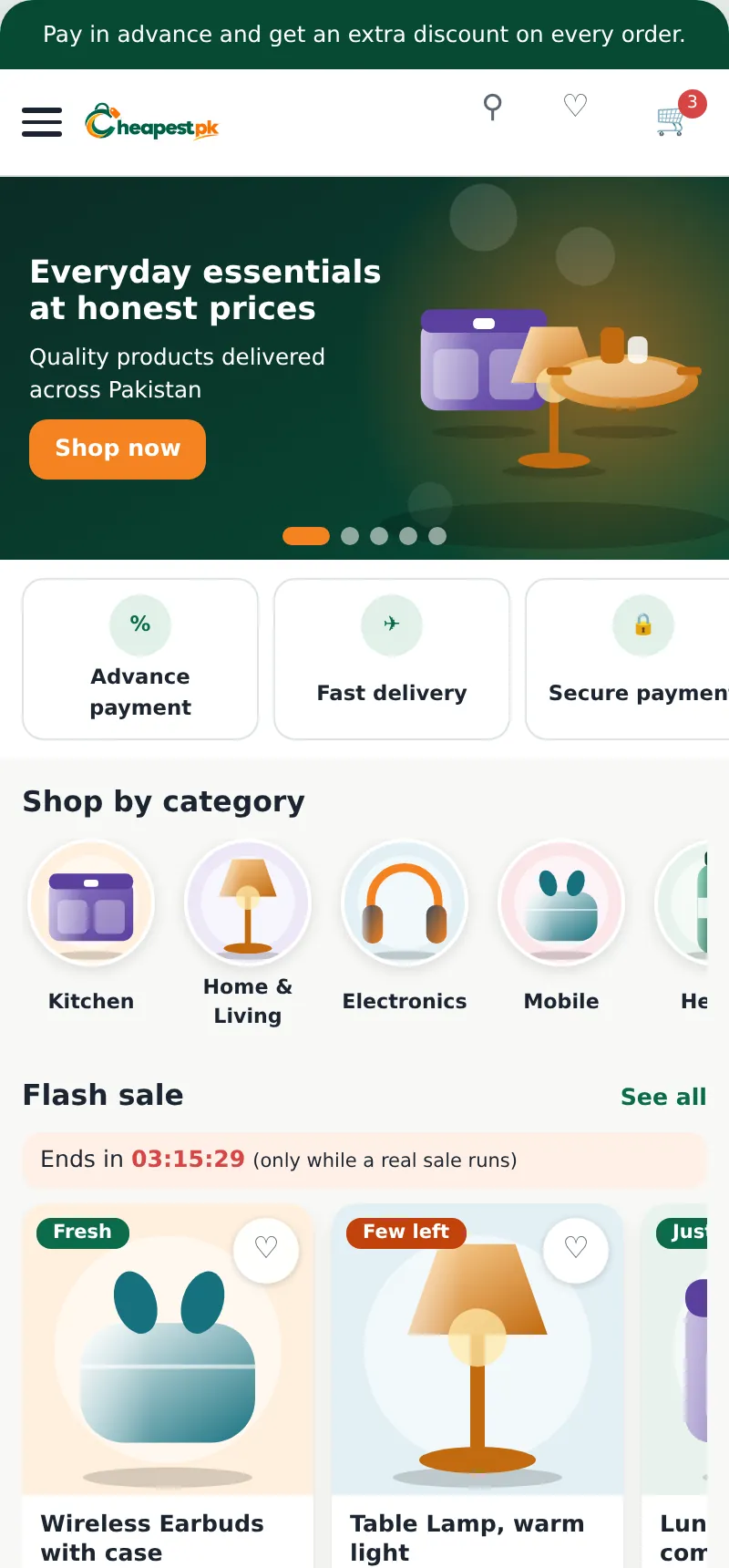
You can browse the home page and the categories, or use the search box. The search suggests products while you type. Product cards show the picture, the name and the price. A small mark in the corner can tell you a product is new or that only a few are left.
Step 2: Look at the product page
The product page shows the pictures, the price, the stars from real customers, and the Highlights, Description, Specifications, Reviews and Questions. If the product has colours or sizes, pick them first. The Delivery row shows the estimated days and the delivery charge for your address: press it to change the address.

If you want to ask something, use Questions or the Message button next to Add to Cart. Our team answers there.
Step 3: Add to cart and check it
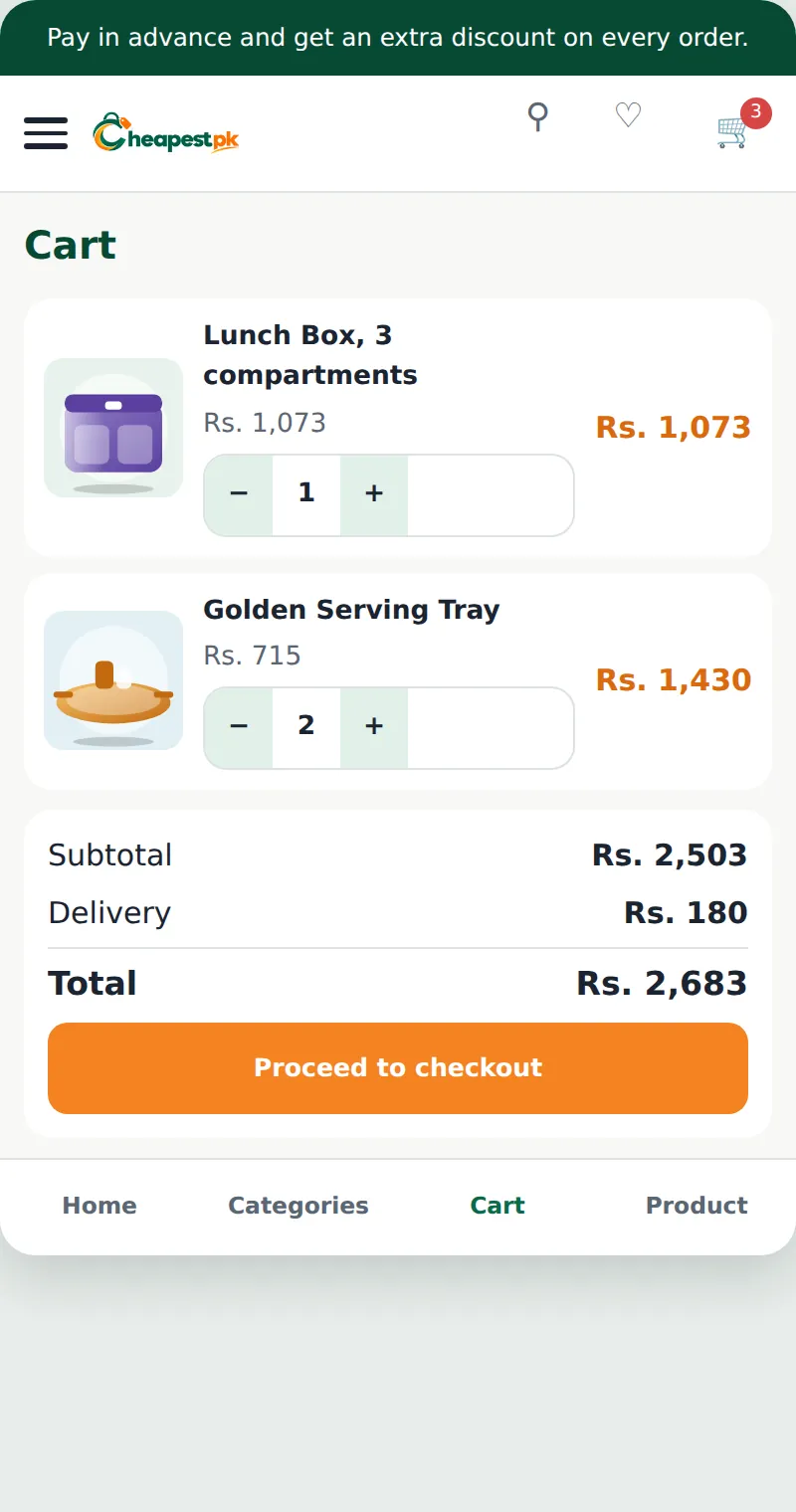
Press Add to Cart. In the cart, every product has its picture, name, price and the – and + buttons. When you change the quantity, the totals below change by themselves, and you do not need to press anything. Enter a coupon code in the coupon box if you have one.
Step 4: Checkout
On the checkout page, enter your name, mobile number, province, city and full address. Choose the city from the list. If your city is not listed, choose Other and write it. Check the order summary again: the products, the delivery charge and the total. Then choose how you will pay and place the order.
Not sure how to pay? Read how to pay in advance with Easypaisa, JazzCash or bank transfer.
Step 5: After you order
You get a confirmation. Open My account and then Orders to see the progress: order placed, payment verified, packing, handed to the courier with the tracking number, and delivered. You can download the invoice for your order.

Delivery times and charges are explained in our delivery and tracking guide.
Tips for a smooth order
- Write a complete address with a landmark and a mobile number that works.
- Read the description and the specifications, not only the picture.
- Check the size and the colour before you add to cart.
- Save products you like to your wishlist. We tell you when a product you saved changes in price or stock.
- Keep your order number: it helps us find your order quickly.
Searching like a pro
Use short, clear words: “lunch box”, “steel pot” or “earbuds” work better than a long sentence. Open a category if you only want to browse one area, such as Kitchen or Electronics. If a product is not found, try a different word, or write to us in Messages and we will tell you if we have it.
How to read a product page
- Highlights: the main points in a few lines.
- Description: what the product is and how to use it.
- Specifications: size, material and other facts. Check them before you buy.
- Reviews: from real customers who received the product.
- Questions: what other buyers asked, and our answers.
The stars and the “sold” number are shown only when they come from real orders, so a new product may not have them yet. That is normal.
Common ordering mistakes
- Choosing the wrong colour or size by tapping too quickly. Check the options before you add to cart.
- Writing an incomplete address. Add your area and a landmark.
- Using a mobile number you do not answer. The courier needs to reach you.
- Not saving the order number. You can always find it in My account.
Once you know how to order online in Pakistan, it takes only a few minutes: choose, check the details, pay and follow your order.
Ordering FAQ
Do I need an account to order?
An account is recommended: it lets you track orders and get help. You can create one during checkout.
How do I change the quantity in the cart?
Use the – and + buttons on the product. The totals update by themselves.
Can I change my address after I order?
Write to us in Messages as soon as possible with your order number. If the parcel has not been handed to the courier, we can try to help.
Online order kaise karein? (How do I order online?)
Product chunein, Add to Cart dabayein, cart check karein, checkout par address likhein aur payment karein. Phir My account mein order track karein.
Start shopping: open the shop.