I Forgot My Password: Account Help for Orders, Wishlist and Messages on Cheapest.pk
November 2, 2026
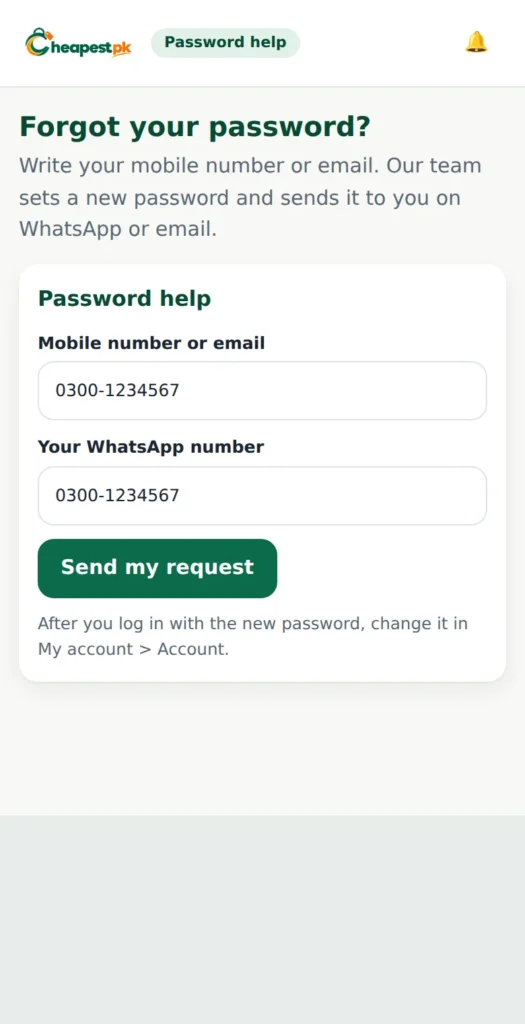
In short: your Cheapest.pk account lets you see your orders, save products to a wishlist, write to our team and download invoices. If you forget your password, you can ask for a new one on the password help page, and we send it on WhatsApp or by email.
If you think “I forgot my password”, do not worry: it is easy to fix. This page explains what to do when you forgot your password, and how to use your orders, wishlist and messages.
Creating your account
You can create an account from the account page or while you check out. You need your name, your mobile number, your email and a password with at least 8 characters, including a letter and a number. Use a mobile number you can answer, because the courier and our team may call or message you.
I forgot my password: what to do
It happens to everybody. Open the login page and press “Lost your password?”. Write your mobile number or email and your WhatsApp number. Our team sets a new password and sends it to you on WhatsApp or by email. After you log in with the new password, go to My account then Account and change it to one you like.
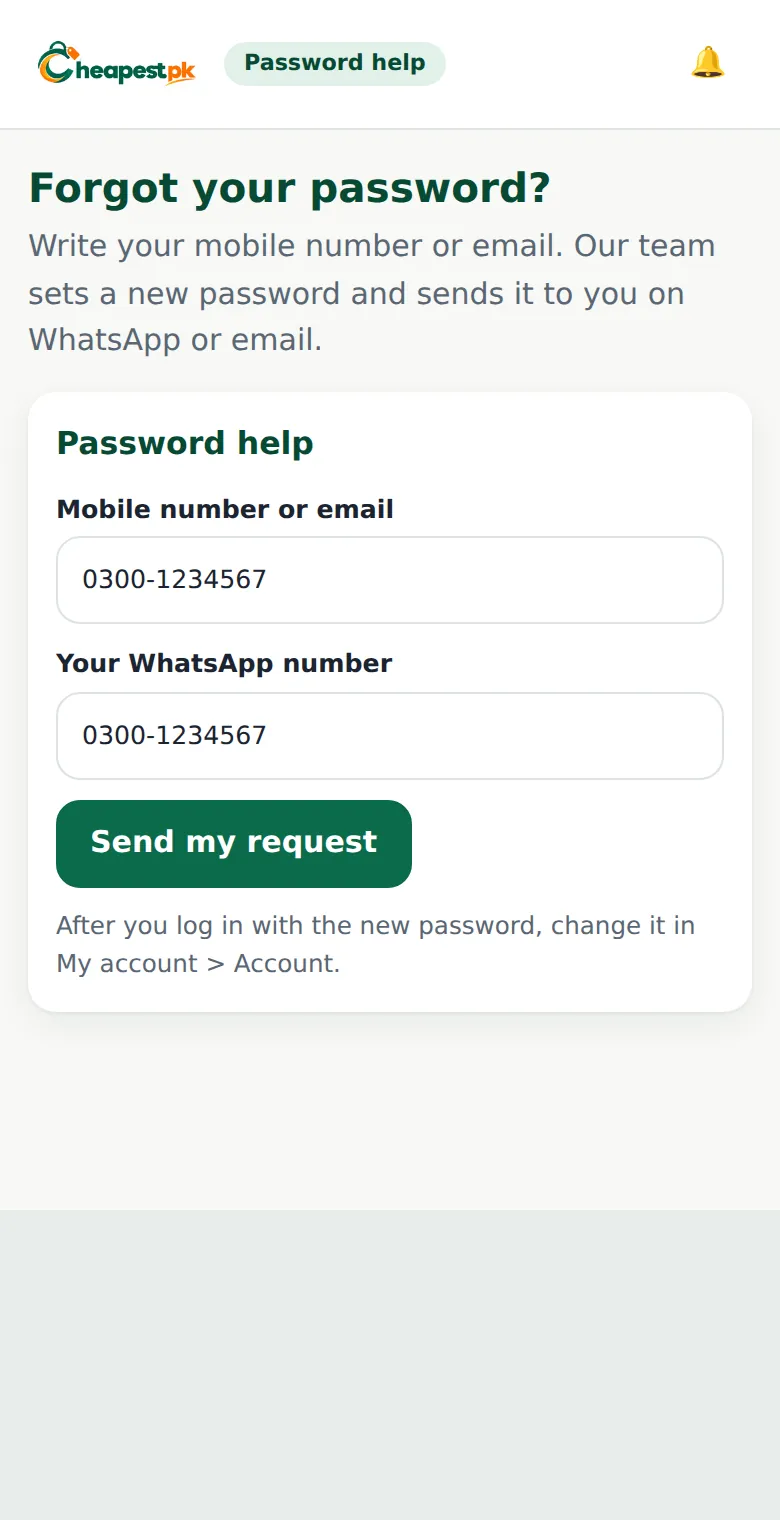
If you do not receive the new password, check that your WhatsApp number is correct and write to us in Messages if you can still log in with another device.
Your orders and invoices
In Orders you see every order, its progress and its tracking number. Open an order to download the invoice or to ask for help.

Your wishlist
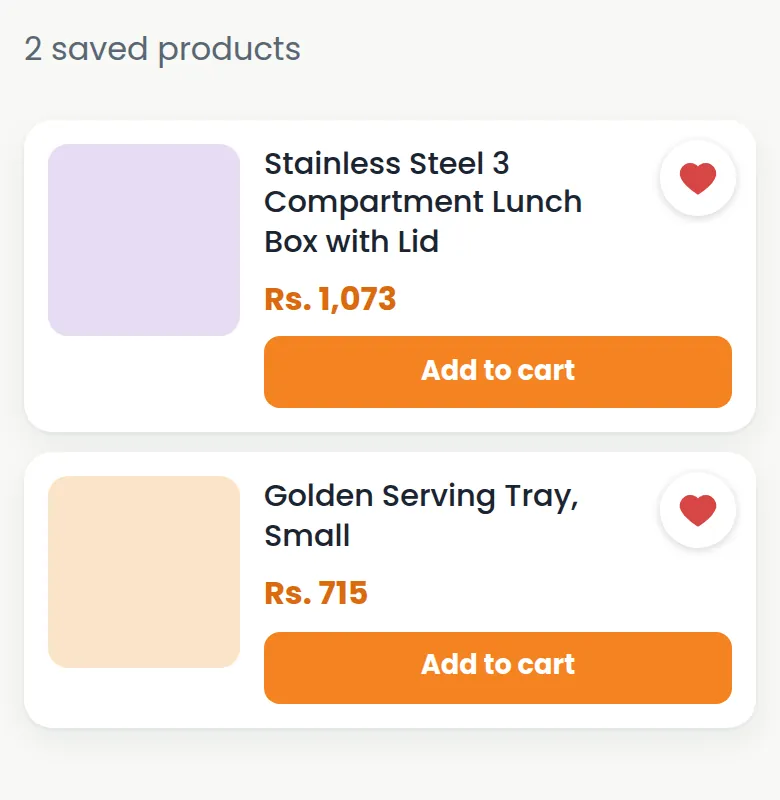
Press the heart on any product to save it. Your wishlist keeps the product, and we tell you when its price or stock changes. You can add it to your cart from the wishlist page.
Writing to our team
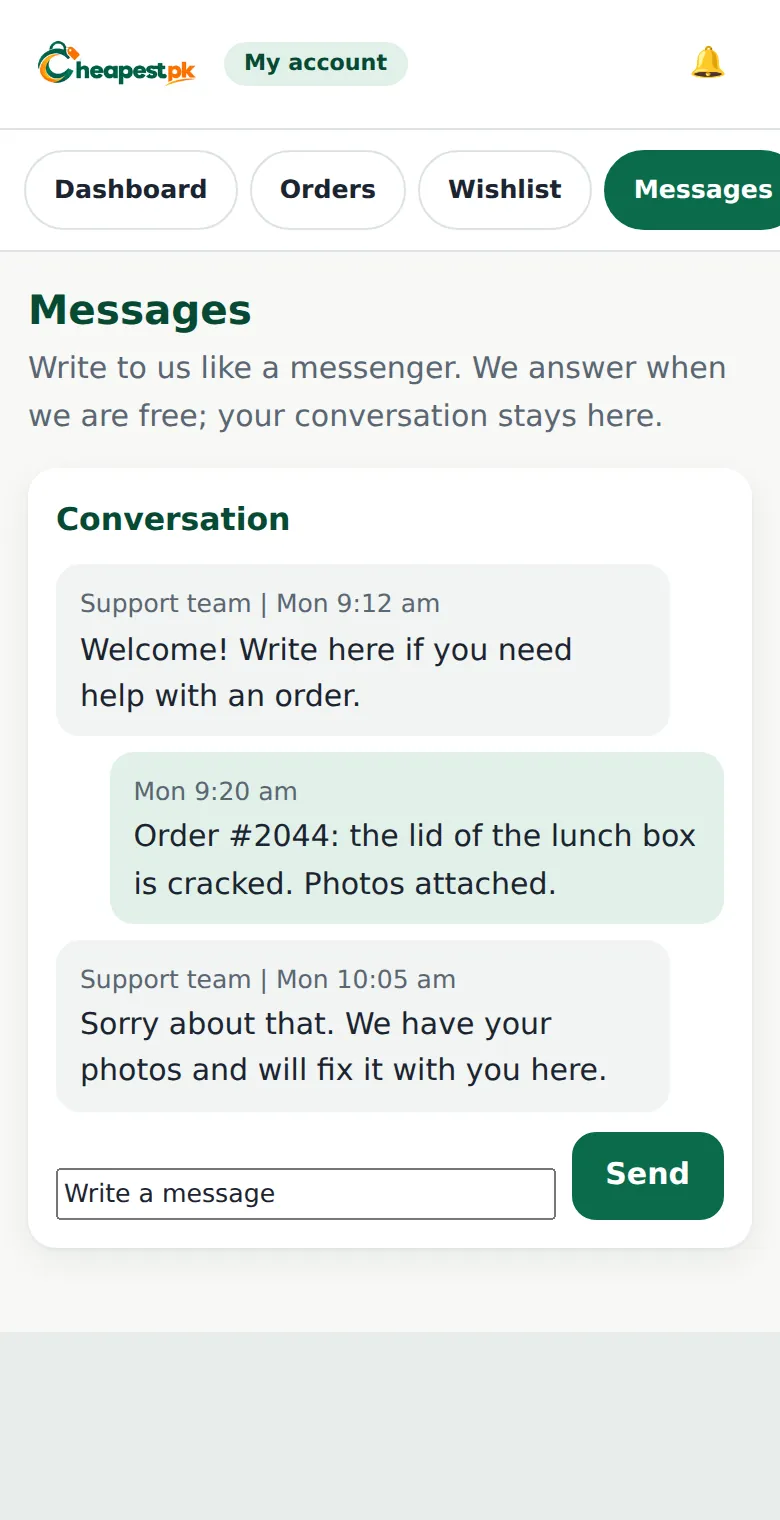
Use Messages to ask about a product or an order. The first time, we ask for your name, email and WhatsApp number. Your conversation stays in your account, and you see our reply in the same window. You can also open a support ticket.
Saving your address
Save your address in your account so checkout is quick. Use the province and city lists, and write the area and a landmark.
Account tips
- Never share your password. Our team does not ask for it.
- Use a password that nobody can guess, and change it from time to time.
- Keep your mobile number up to date.
- Log out when you use a shared phone.
Notifications and price changes
When you save a product to your wishlist, we can tell you when its price or stock changes. You also get notifications about your orders, such as when your parcel is handed to the courier. Keep your account open on your phone, or check the bell icon, so you do not miss them.
Writing a review
Reviews are written from your delivered orders in My account, so that they come from real customers. Write what you liked and what could be better. Honest reviews help other buyers, and we use them to improve.
Your privacy
We use your details to process your orders and to help you. Your messages stay in your account. Read our privacy policy to see how we handle your information.
Quick fixes for common problems
| Problem | What to try |
|---|---|
| I cannot log in | Check your mobile number or email and your password. Use “Lost your password?” if needed. |
| I do not see my order | Make sure you are logged in with the same mobile number or email you used at checkout. |
| My wishlist is empty | Log in: the wishlist is saved in your account. |
| I did not get a message | Open Messages in your account: the reply is shown there. |
If you forgot my password-type problems happen again, remember: ask for a new password, log in, and change it to one you can remember but others cannot guess.
Account FAQ
Can I change my email or mobile number?
Write to us in Messages with your request. We may ask you to confirm it for your safety.
How do I delete my account?
Write to us and we will explain what is possible under our privacy policy.
Password bhool gaya, ab kya karein? (I forgot my password, what now?)
Login page par “Lost your password?” dabayein, apna mobile number aur WhatsApp number likhein. Hum naya password WhatsApp ya email par bhej dete hain.
Open your account: My account.